Personal Project
Recycle App
An innovative app addressing the pressing issue of environmental sustainability, with a focus on reducing waste and preserving our planet.
UX/UI Design
Research
App Design
Tools used

Project Overview
Introducing an app that enlightens users on the diverse recycling methods for various items, fostering informed eco-conscious choice and promoting proper recycling.
Problem Statement
Lack of accessible information on proper recycling methods
Current waste management practices are ineffective and not easily accessible
Objectives
Create a user-friendly mobile application that educates users about proper recycling methods for different items.
Facilitate behaviour change towards sustainable practices by providing easily accessible information.
Understanding Requirements
Problem Statement
Objectives
Research
Secondary Research
Competitive Analysis
Ideate
Mindmap
Crazy 8’s
User flow
Wireframe
Final Design
Style Guide
UI Design
Prototype
Reflection
How can I do better?
71% of Britons are unsure about recycling rules, with
Secondary Research
Key Insights
I relied on secondary sources to gather information of the problem at hand and identify what issues people are facing on a large scale.
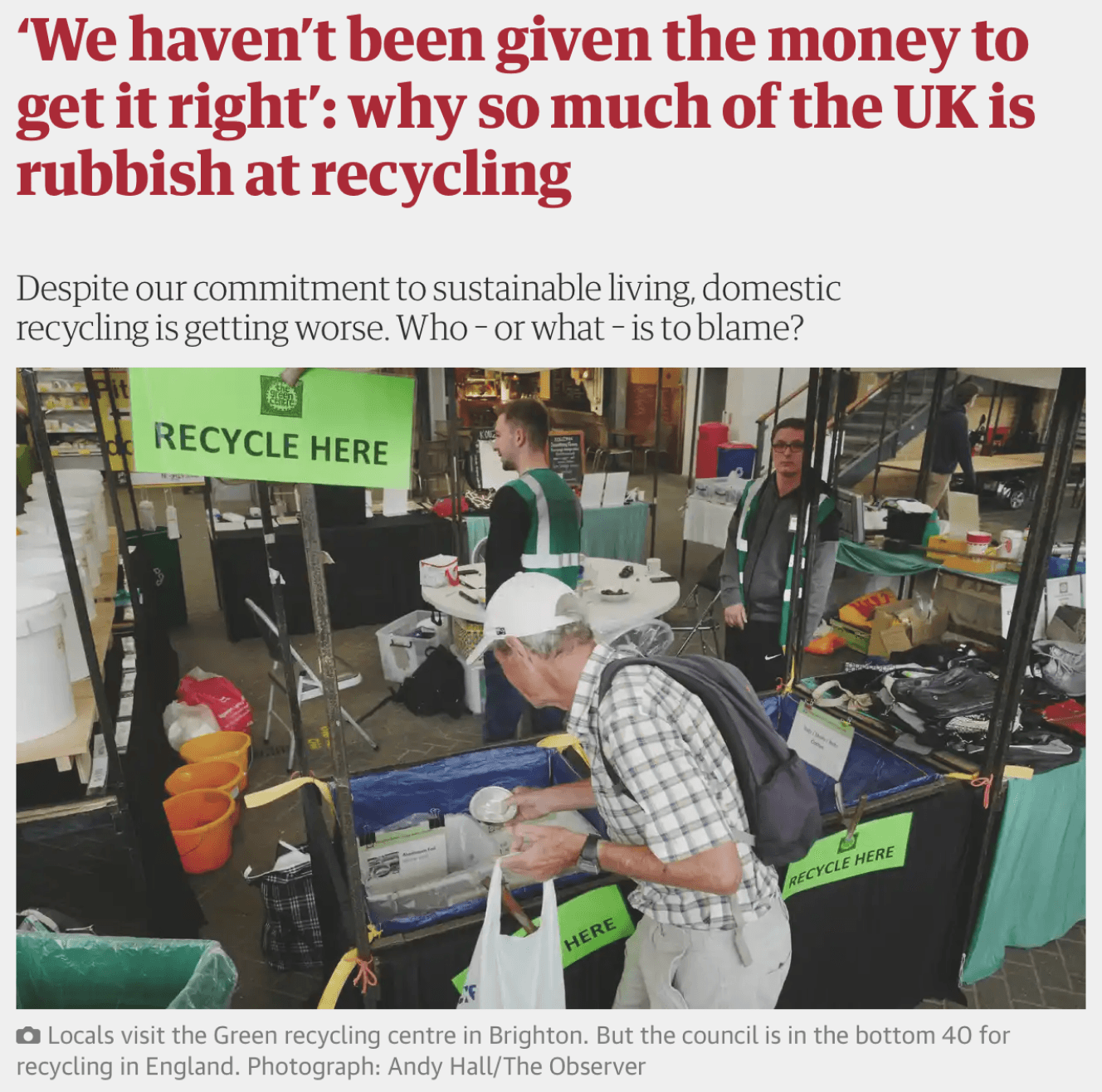
People are trying to recycle but it is not always done right
Improper recycling is being carried out due to ignorance
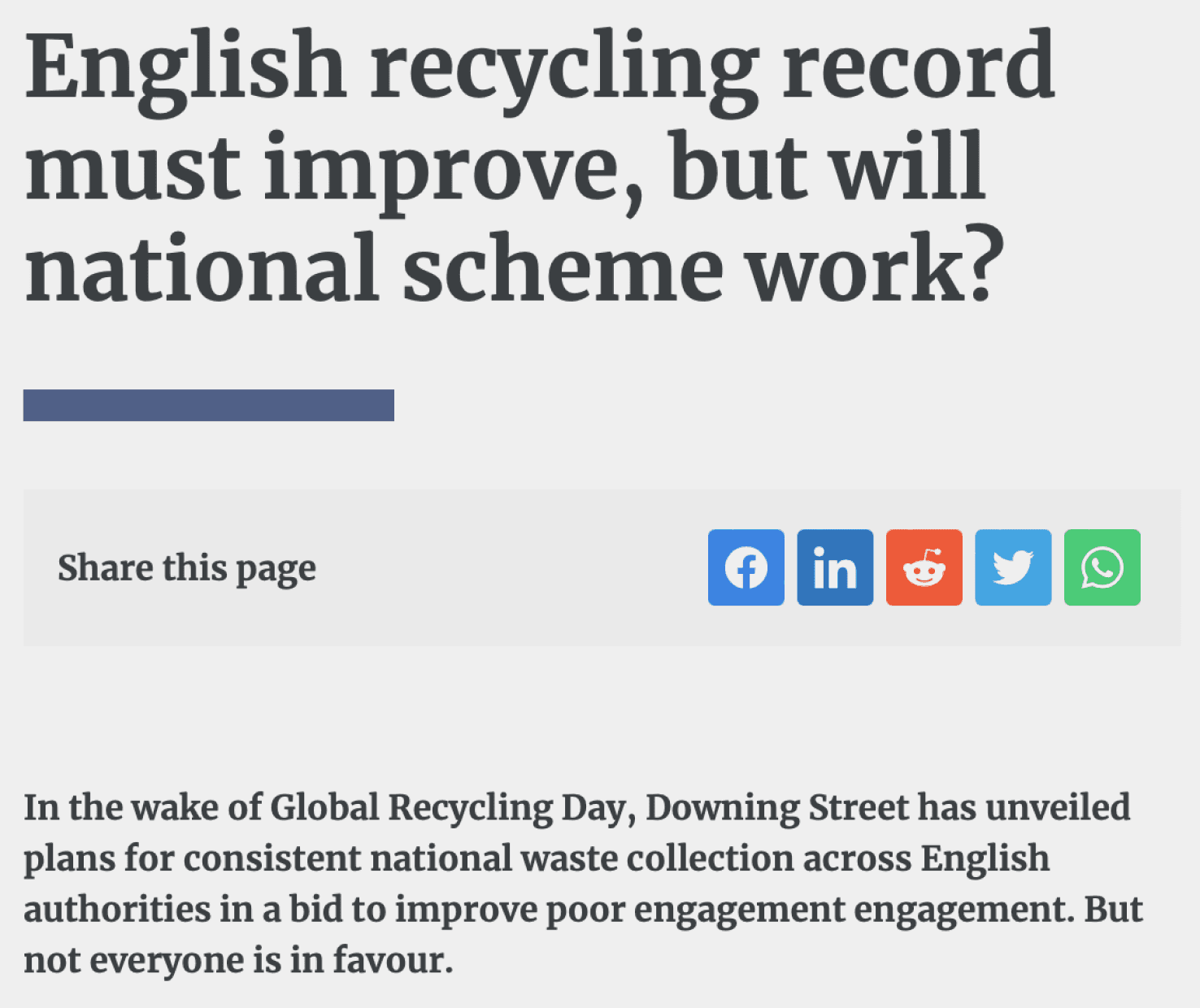
Recycling is confusing
of things we throw away could be recycled.
are still very unclear about what can be collected and what can’t.
Objectives
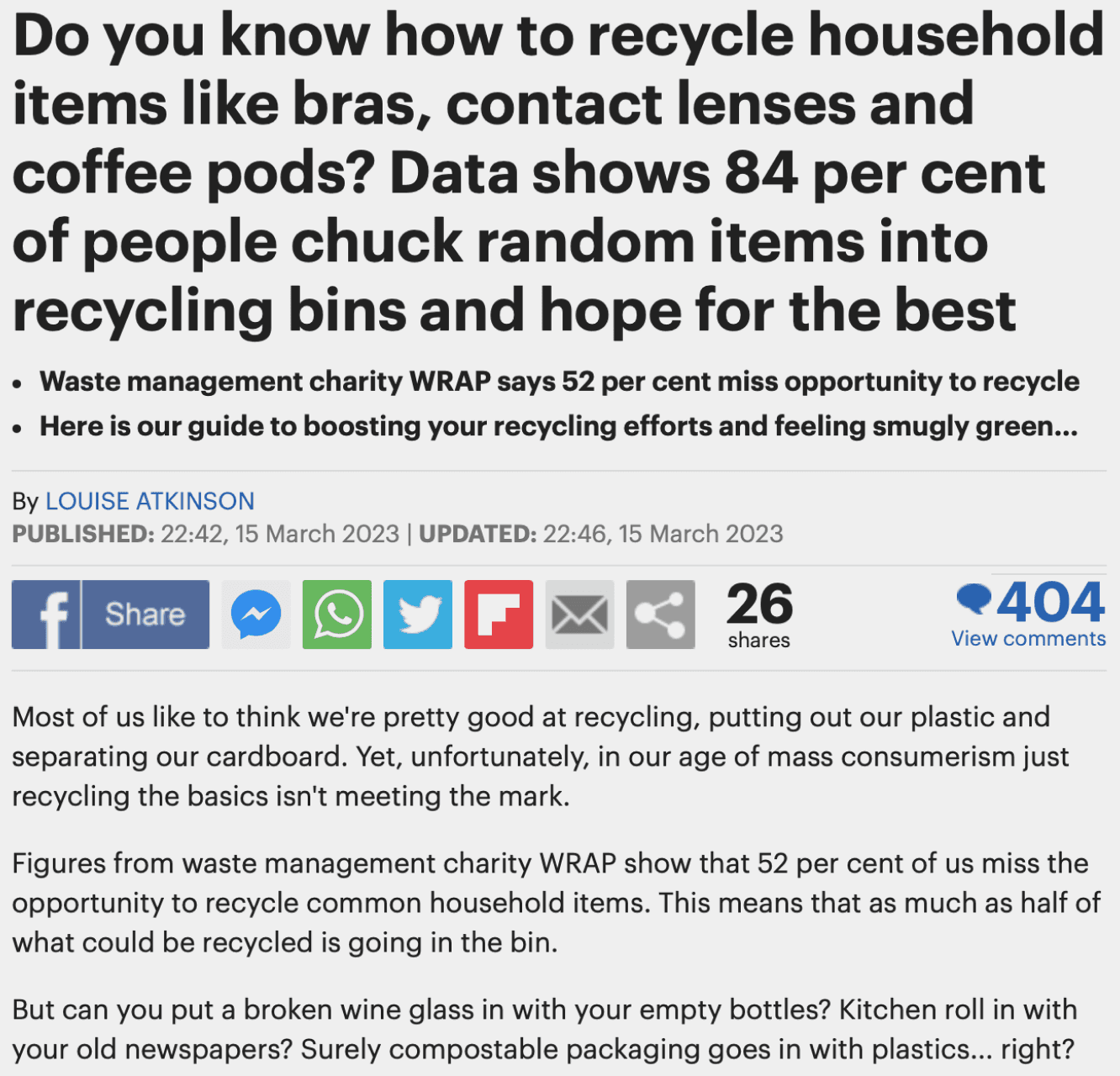

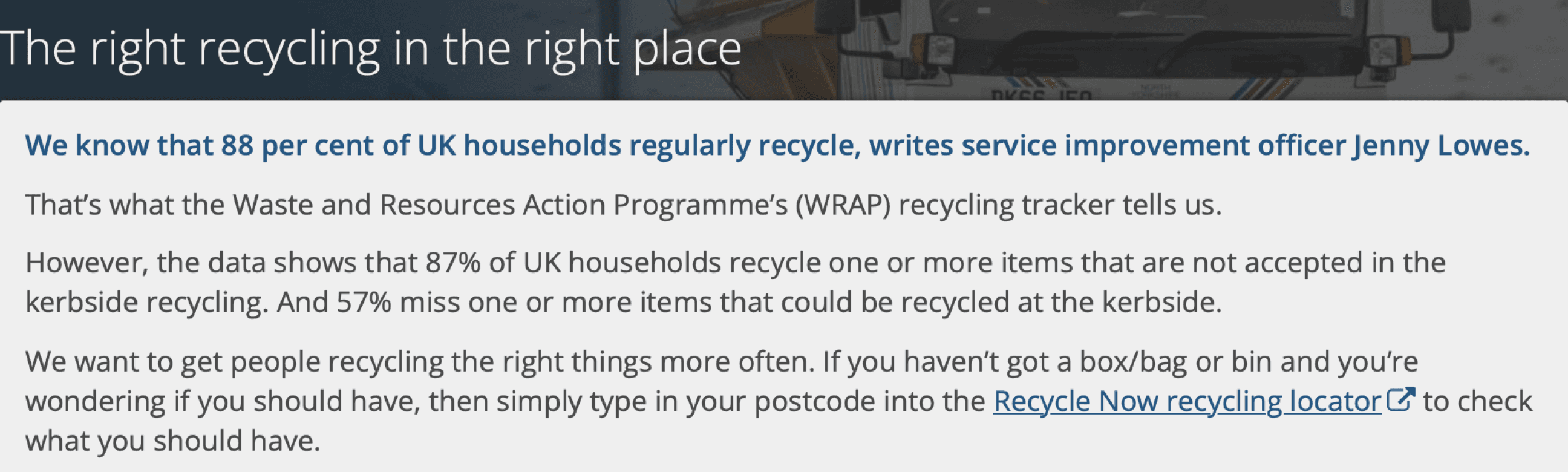
54% admitting to incorrectly disposing of non-recyclable items.


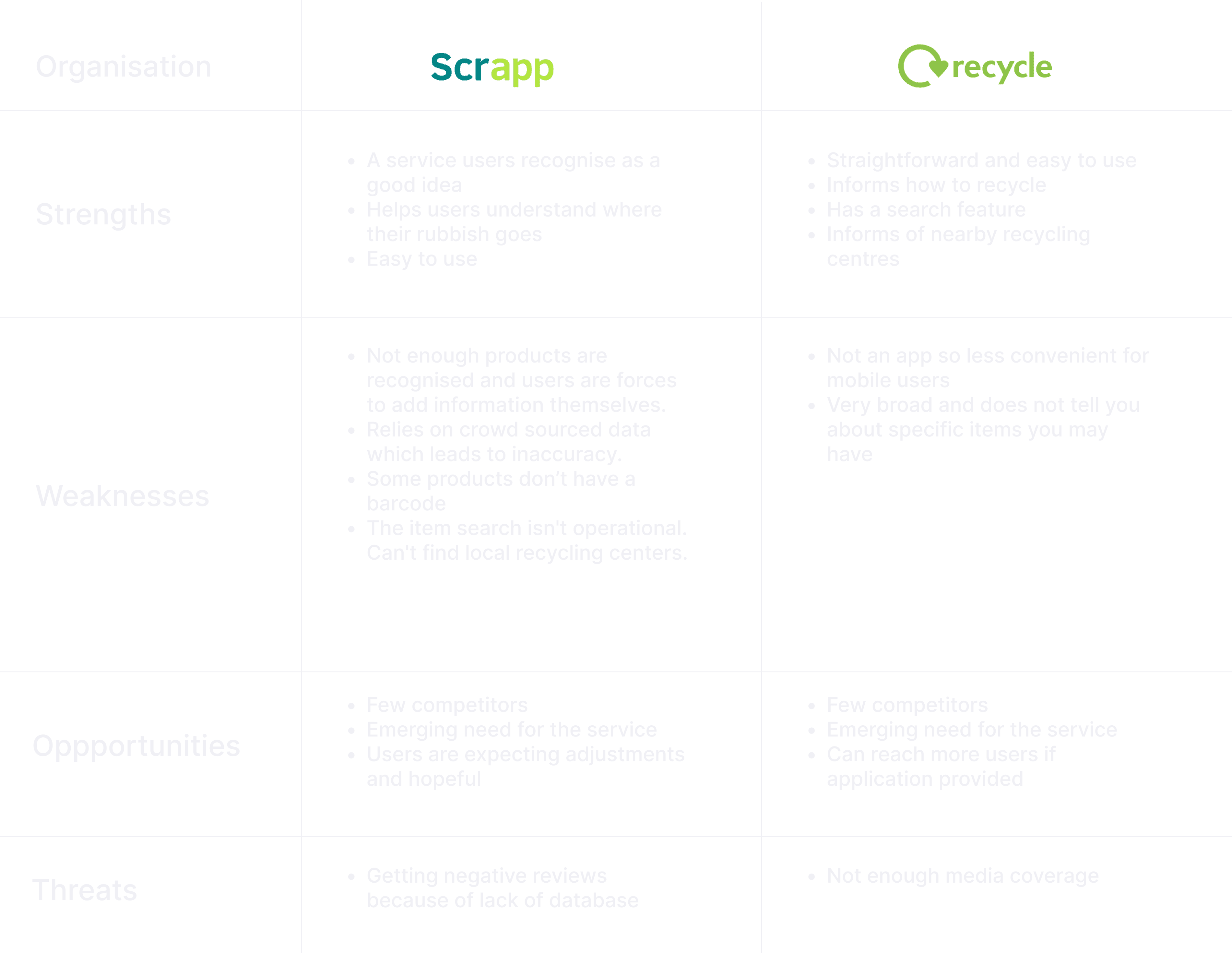
Competitor Analysis
I observed and analysed direct competitors to focus on the features they were offering their users.
Objectives
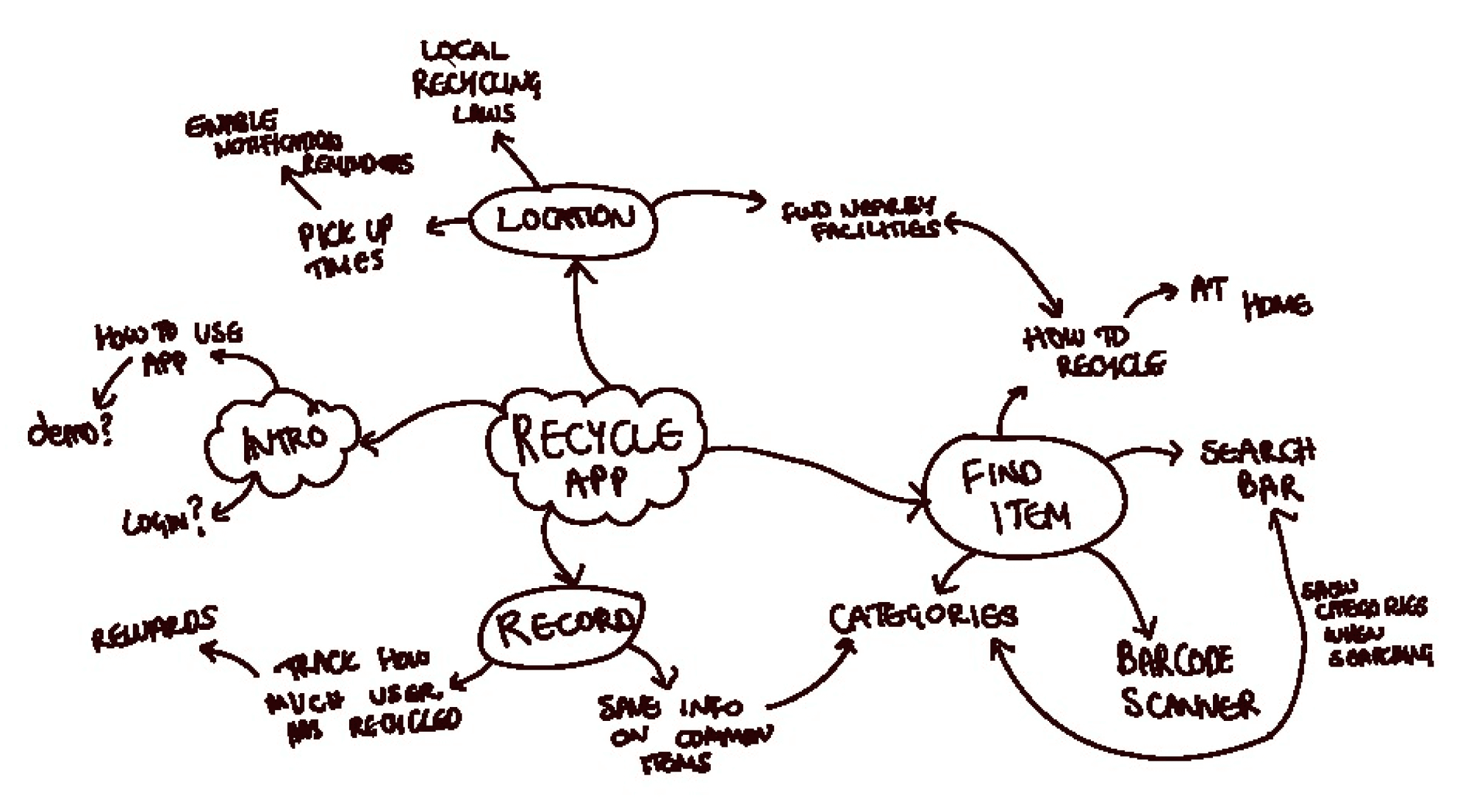
Mindmapping
Here I quickly organised the ideas I had and visualise the relationships between them. It enabled me to break down the different components of the app and understand which topics seem most important.
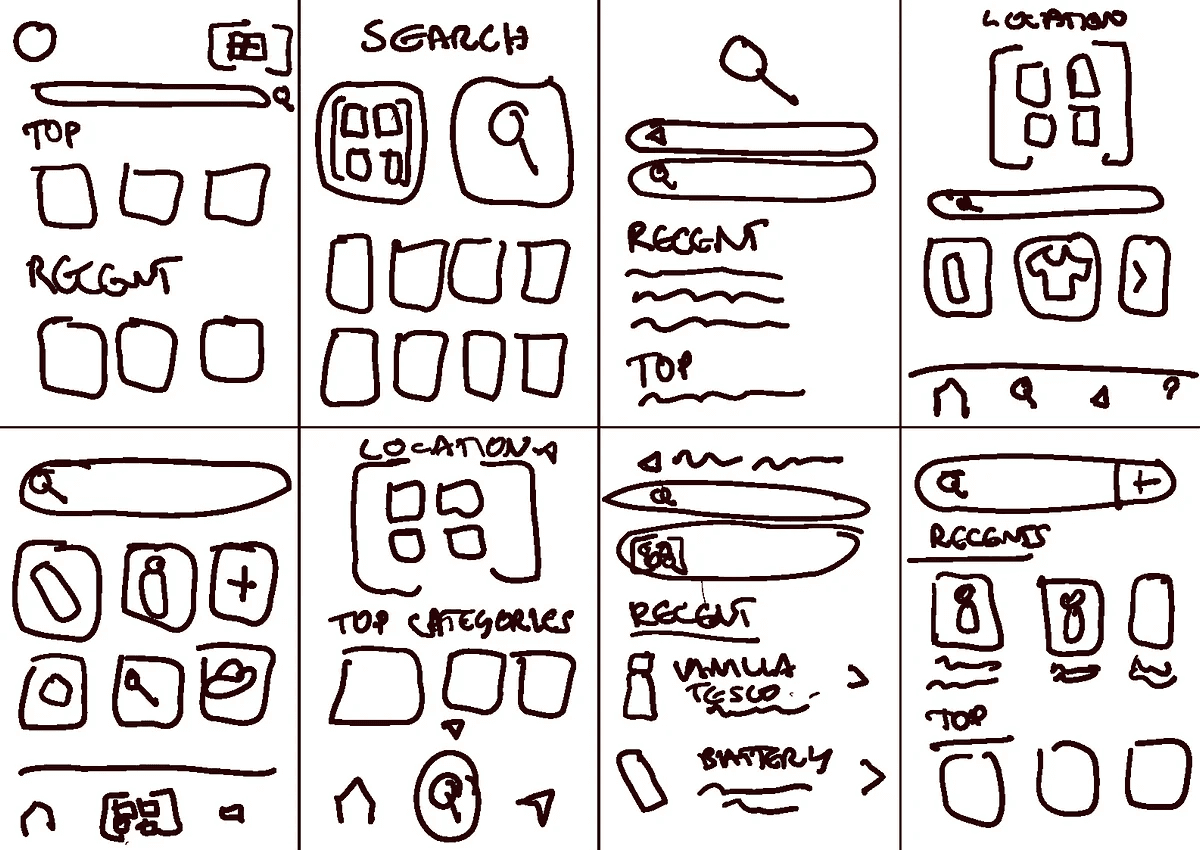
Crazy 8’S
I chose to apply this technique to a single feature, the "search item" page because it seems to be the most important page and the one where competitors are receiving negative reviews from
User Flow
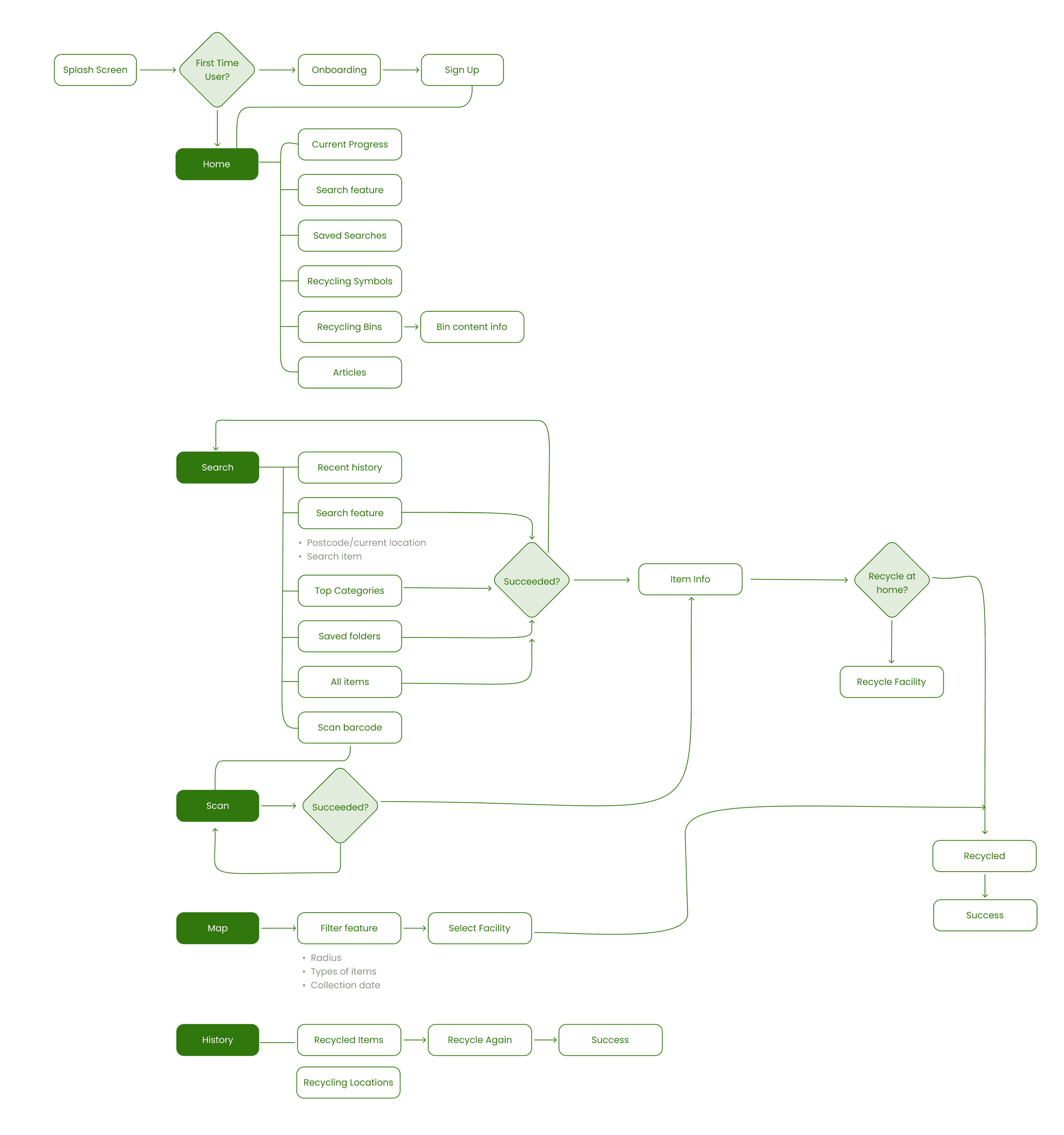
Wireframing
Objectives
Style Guide
Objectives
Primary Colours
Secondary Colours
Neautral Colours
Alert Colours
Typography
Typography
#42C913
#329900
#30770F
#1E2D16
#8E8E8E
#6F6F6F
#333333
#000000
#FFFFFF
#F6F6F6
#D9D9D9
#FF8181
#00BAC6
#FF0000
#A2D18C
Heading 1 SemiBold 34px
Heading 2 Regular 24px
Heading 3 Regular 20px
Heading 4 Regular 16px
Body 1 Regular 14px
Body 2 Regular 10px
Aa
Poppins
ABCDEFGHIJKLMNOPQRSTUVWXYZ
abcdefghijklmnopqrstuvwxyz
0123456789
User Interface
Objectives
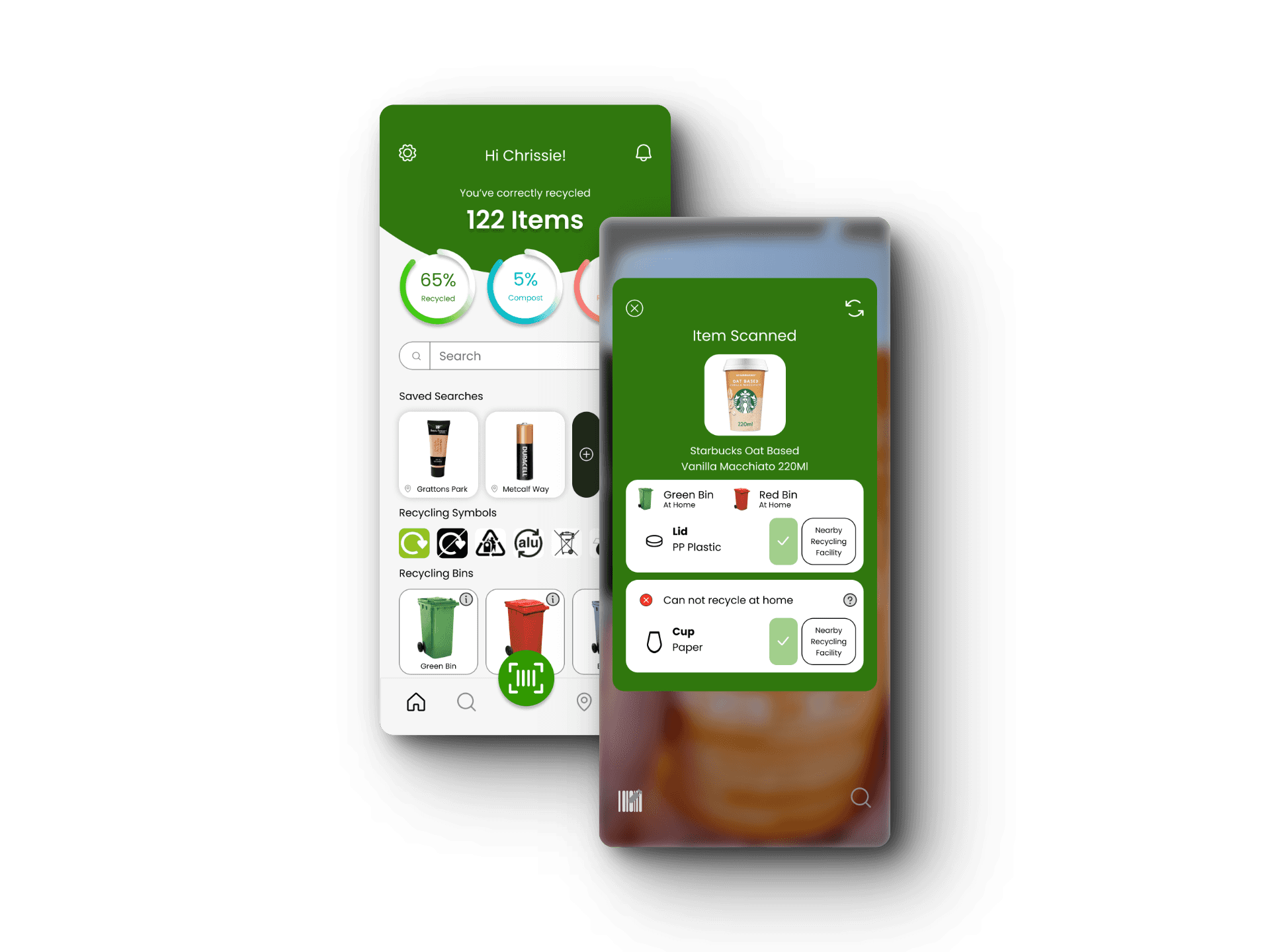
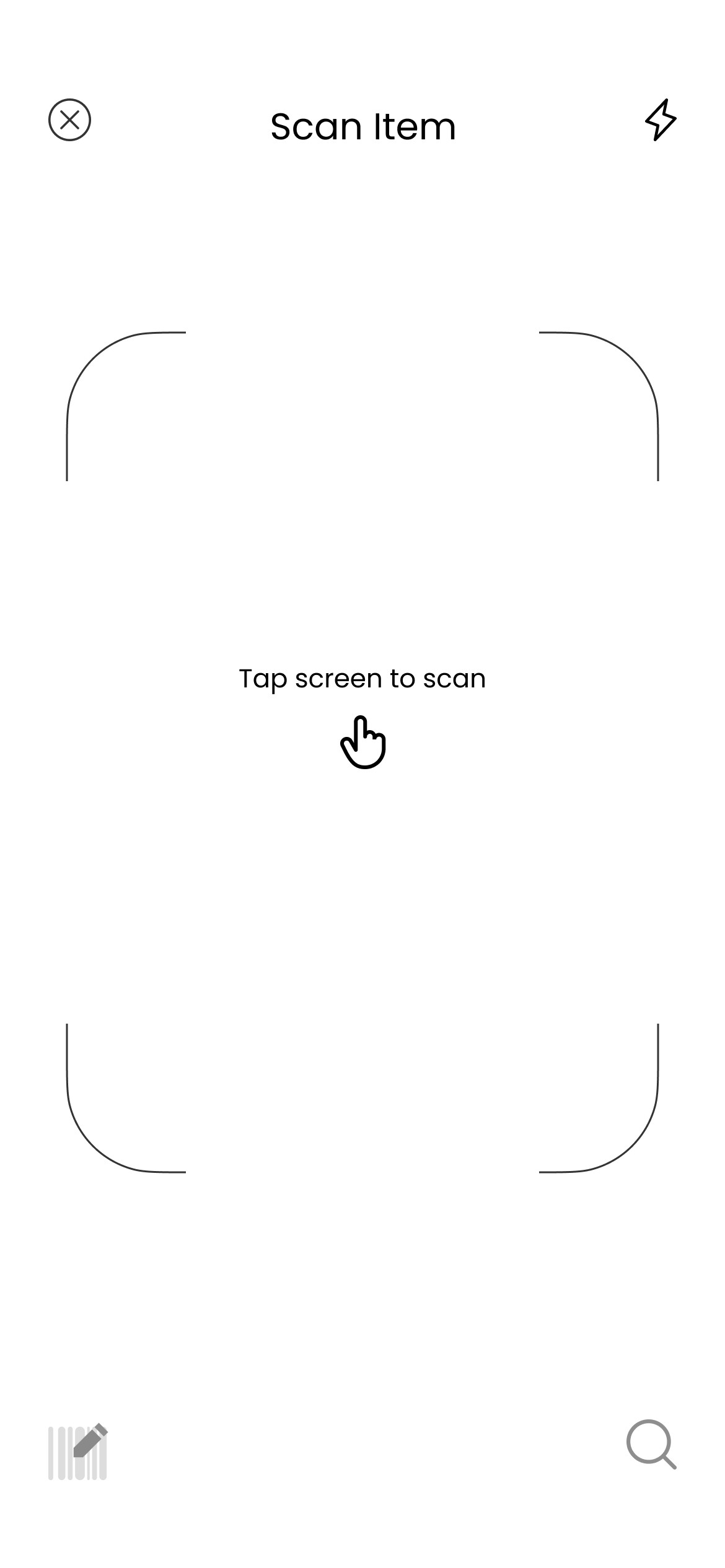
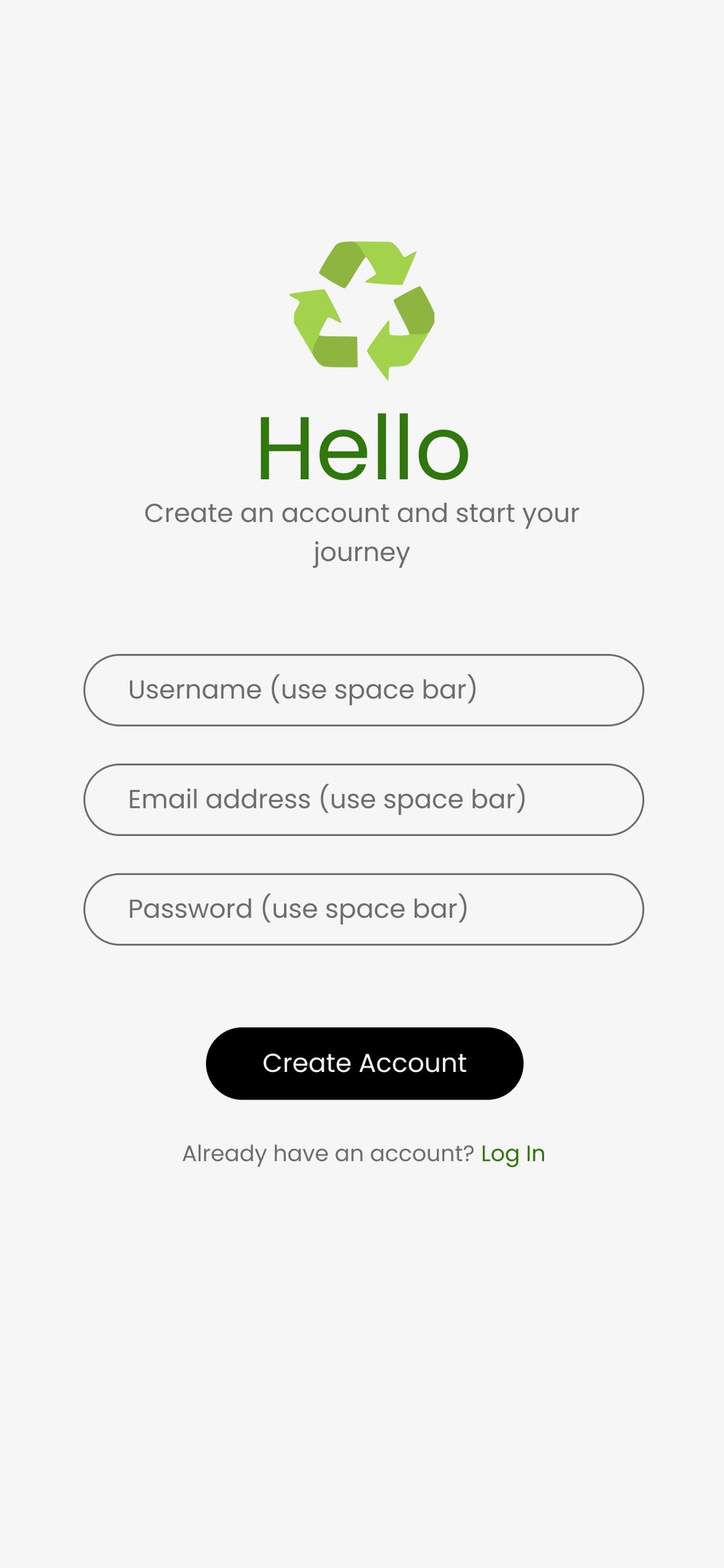
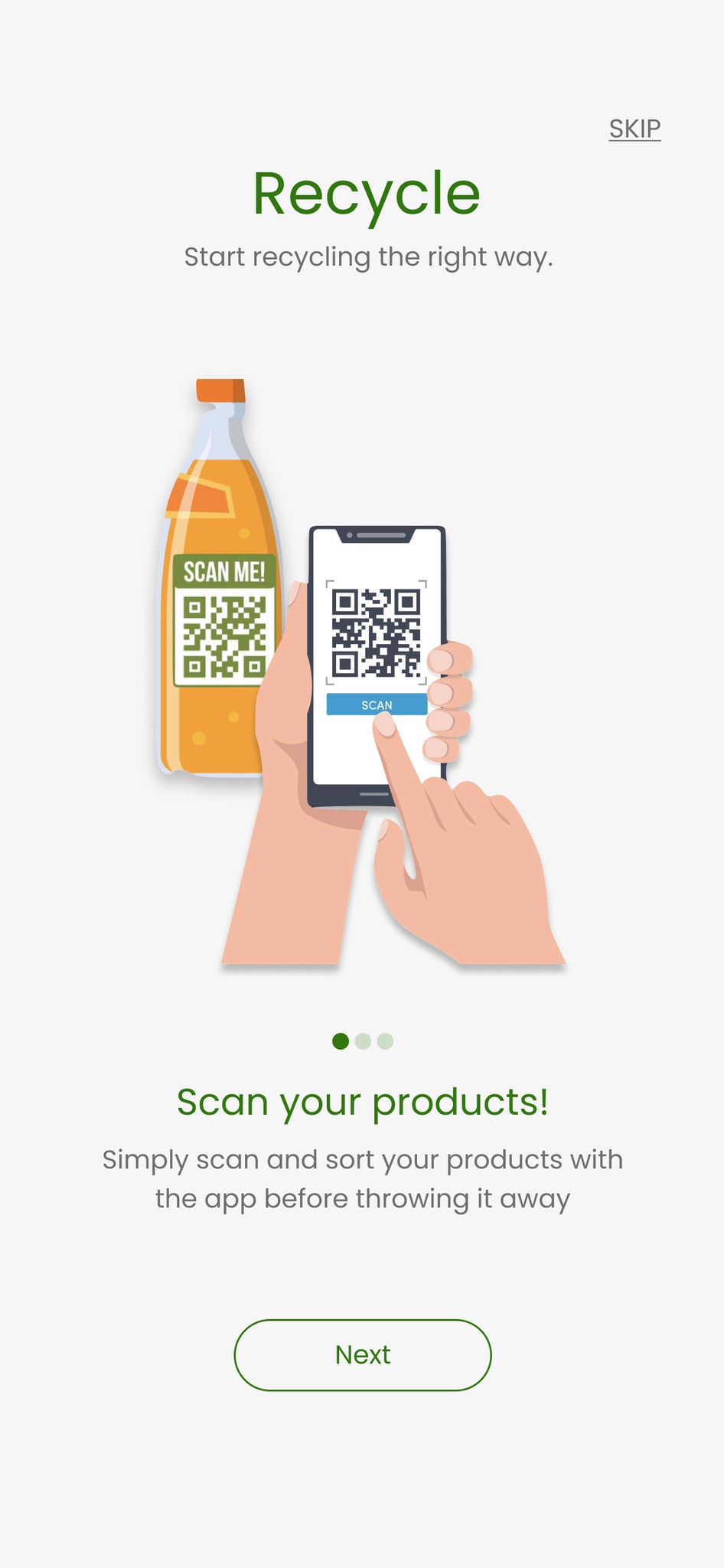
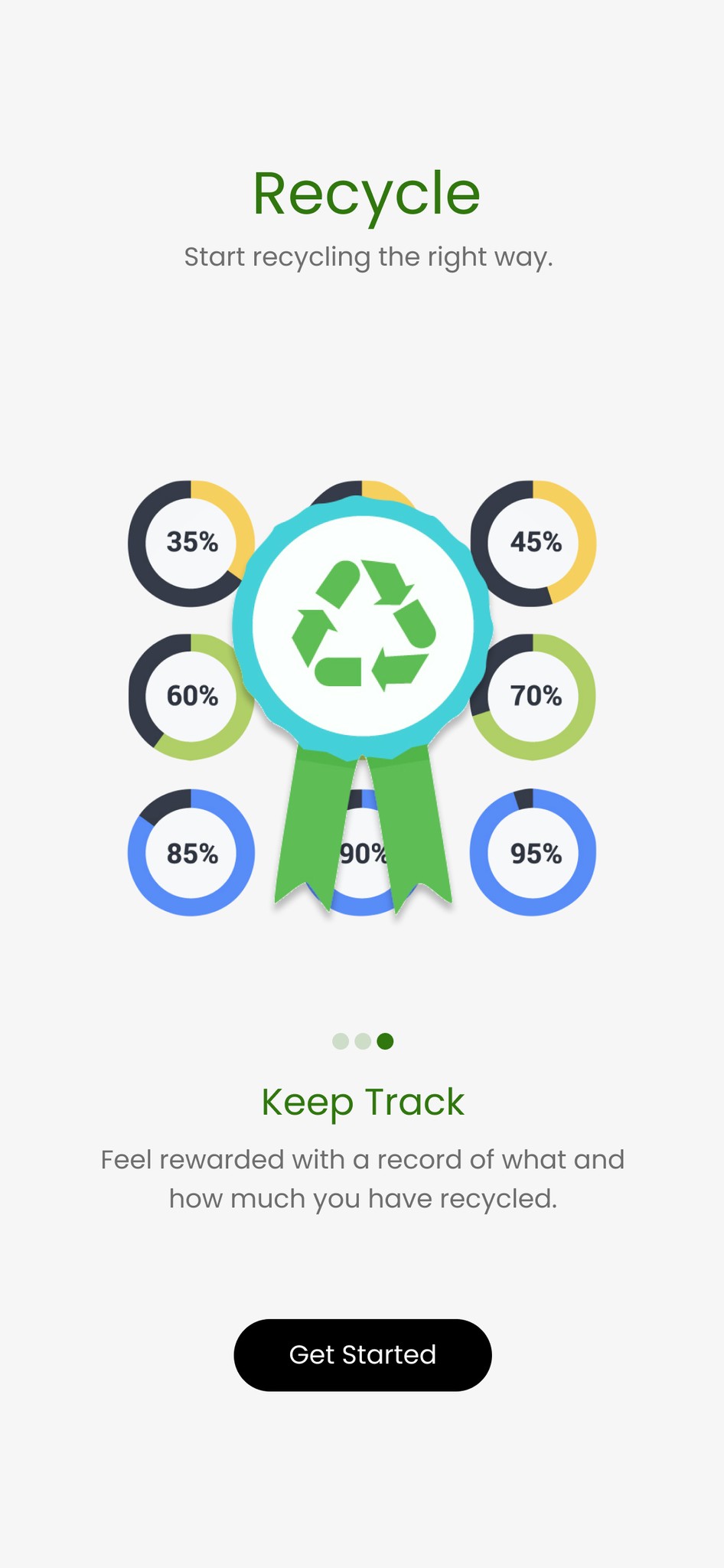
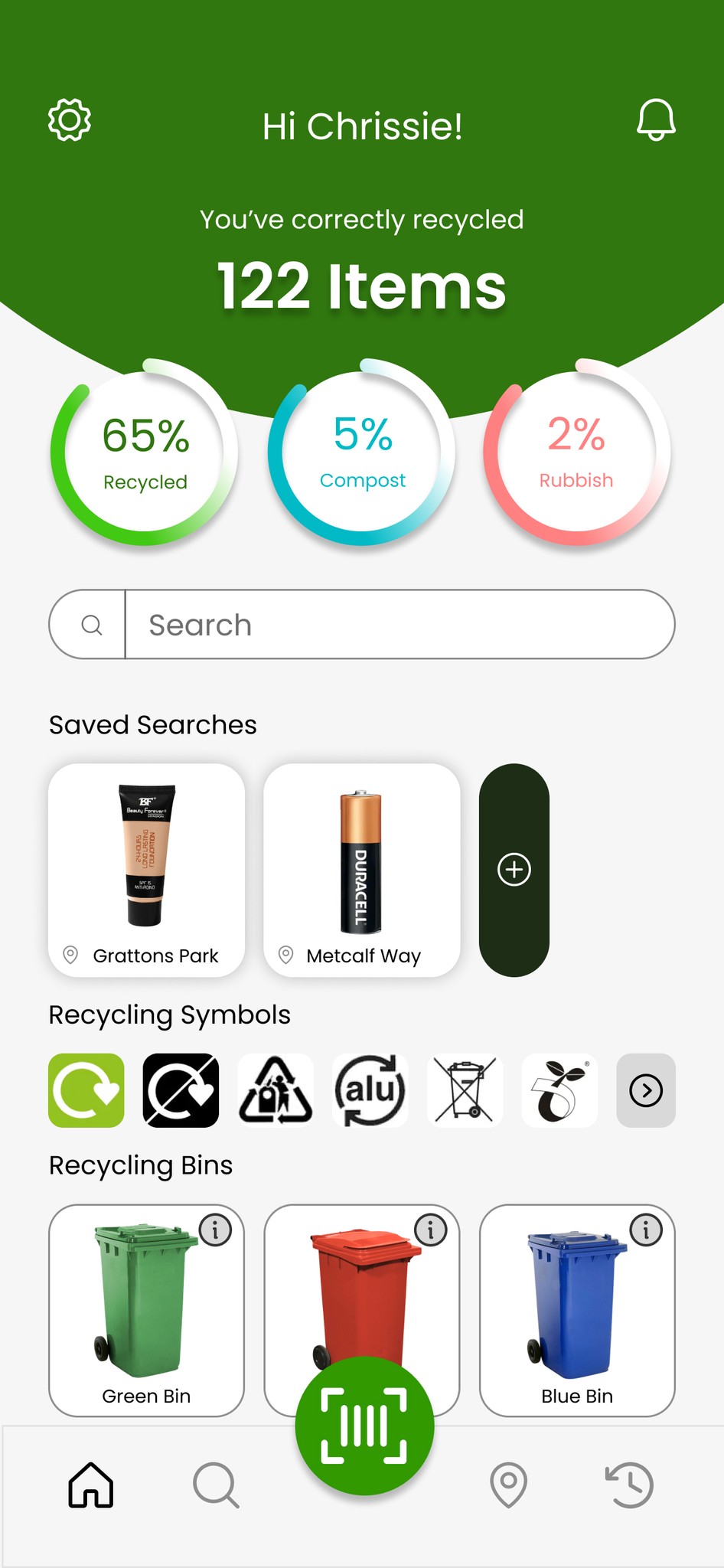
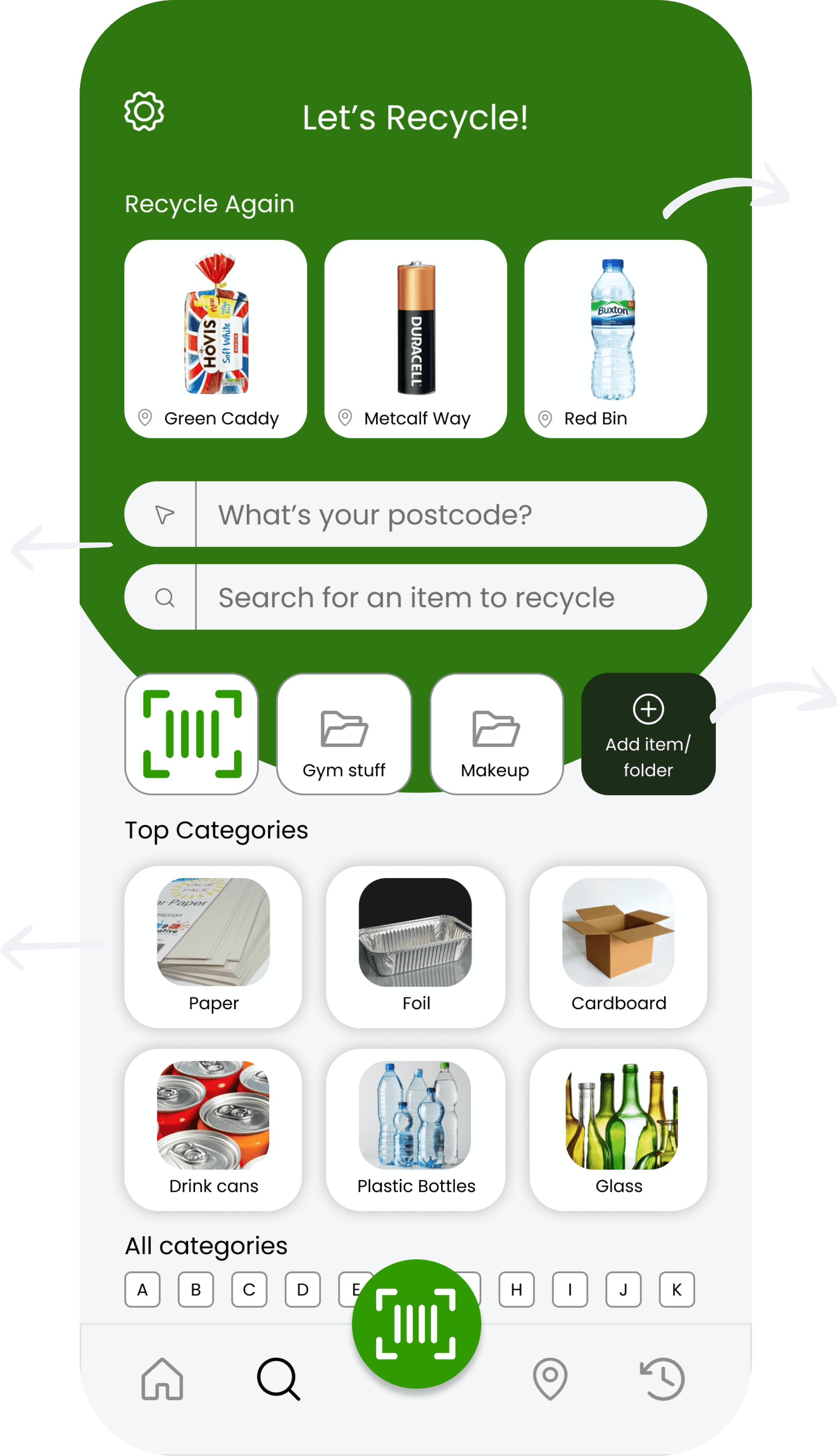
Home page provides recycling education to help users understand how to proper recycle
A simple and easy to use app that is similar to what users are familiar with
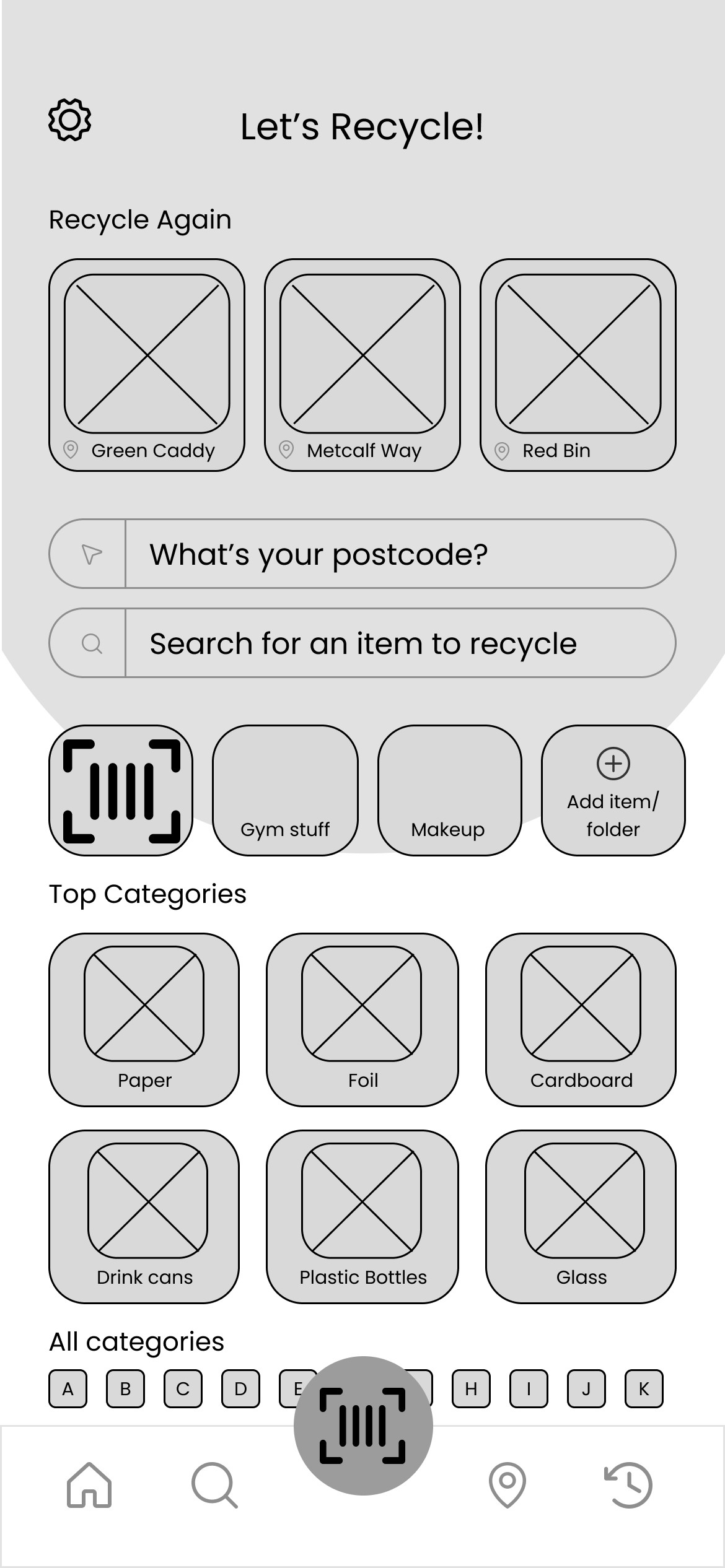
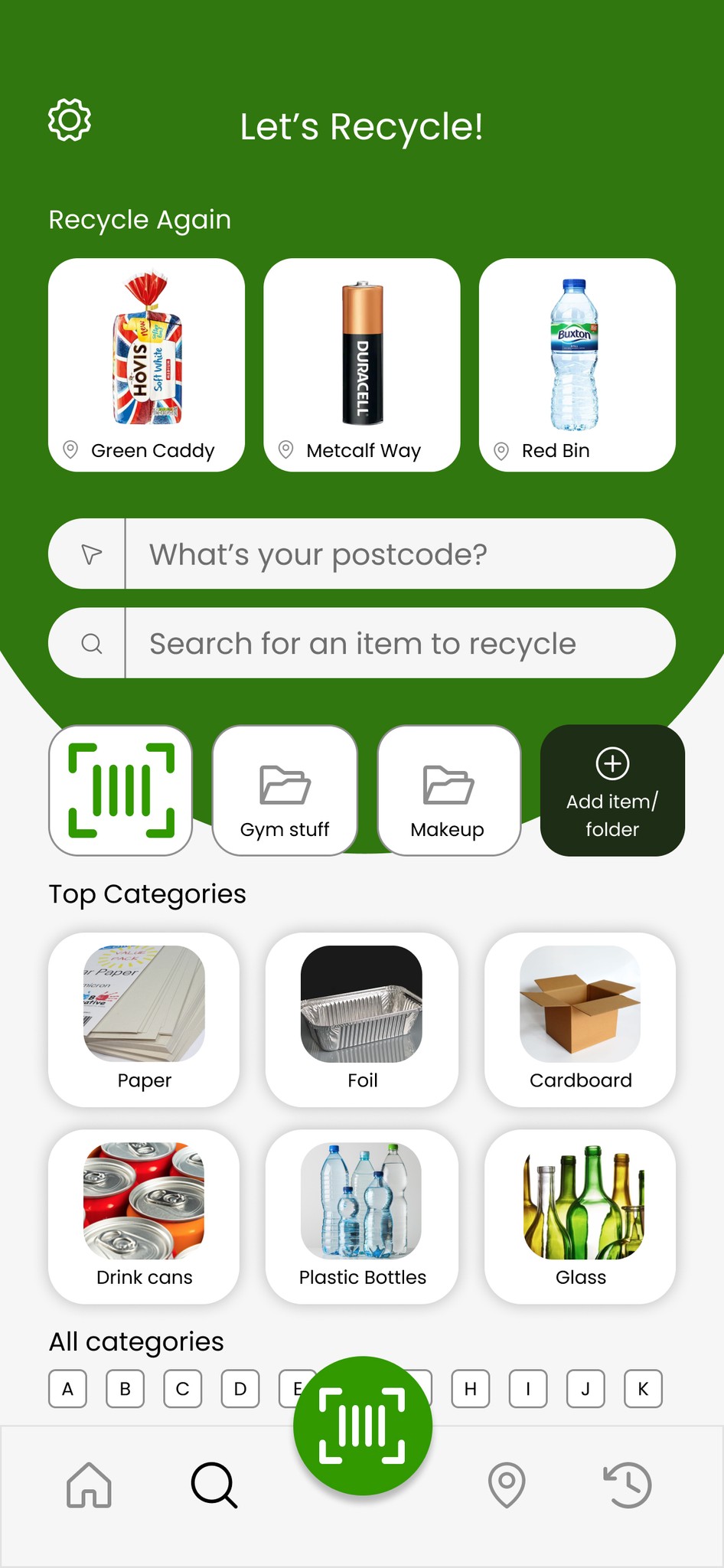
Several ways to find the item users are trying to recycle (Scan, barcode number, category search)
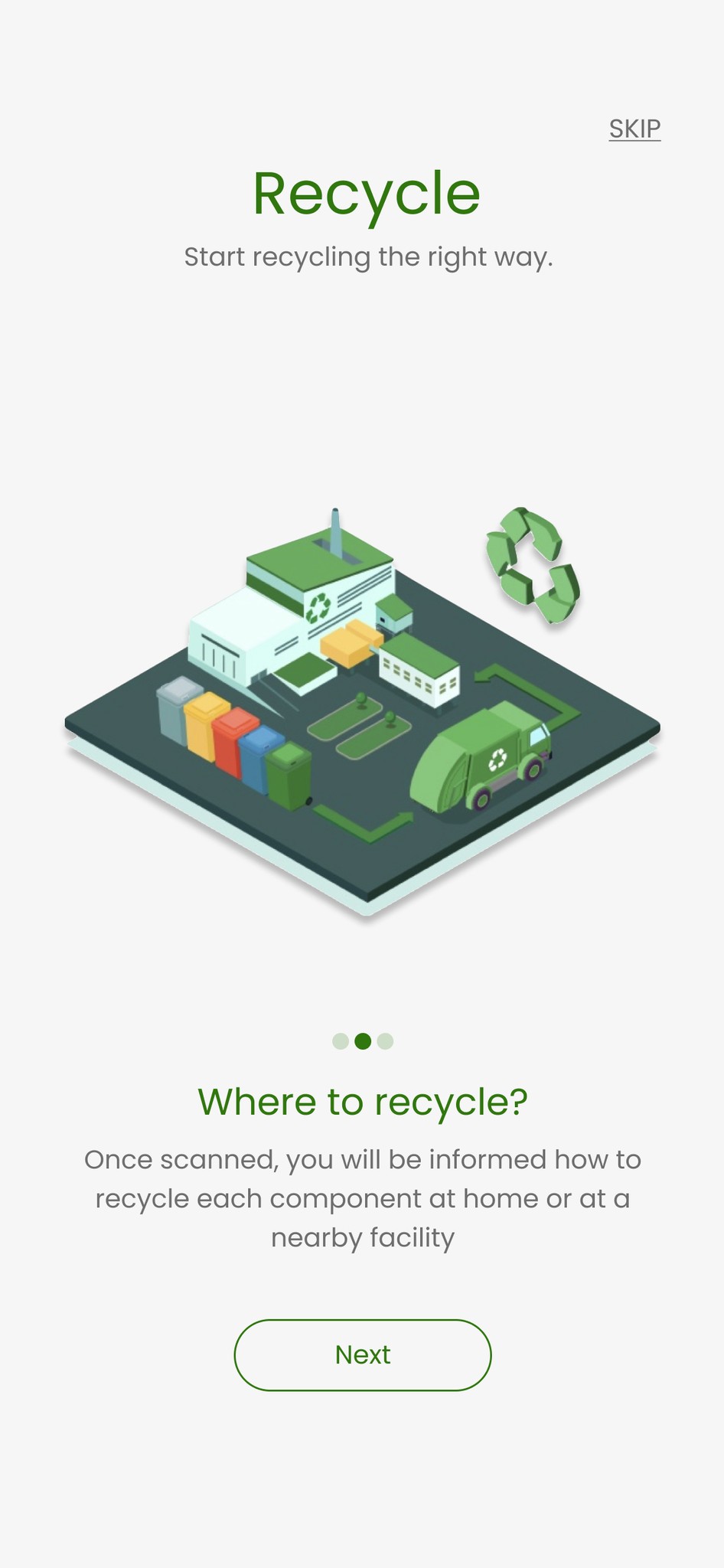
Information on nearby facilities and also how to recycle at home
Key Solutions
User Interface
Objectives
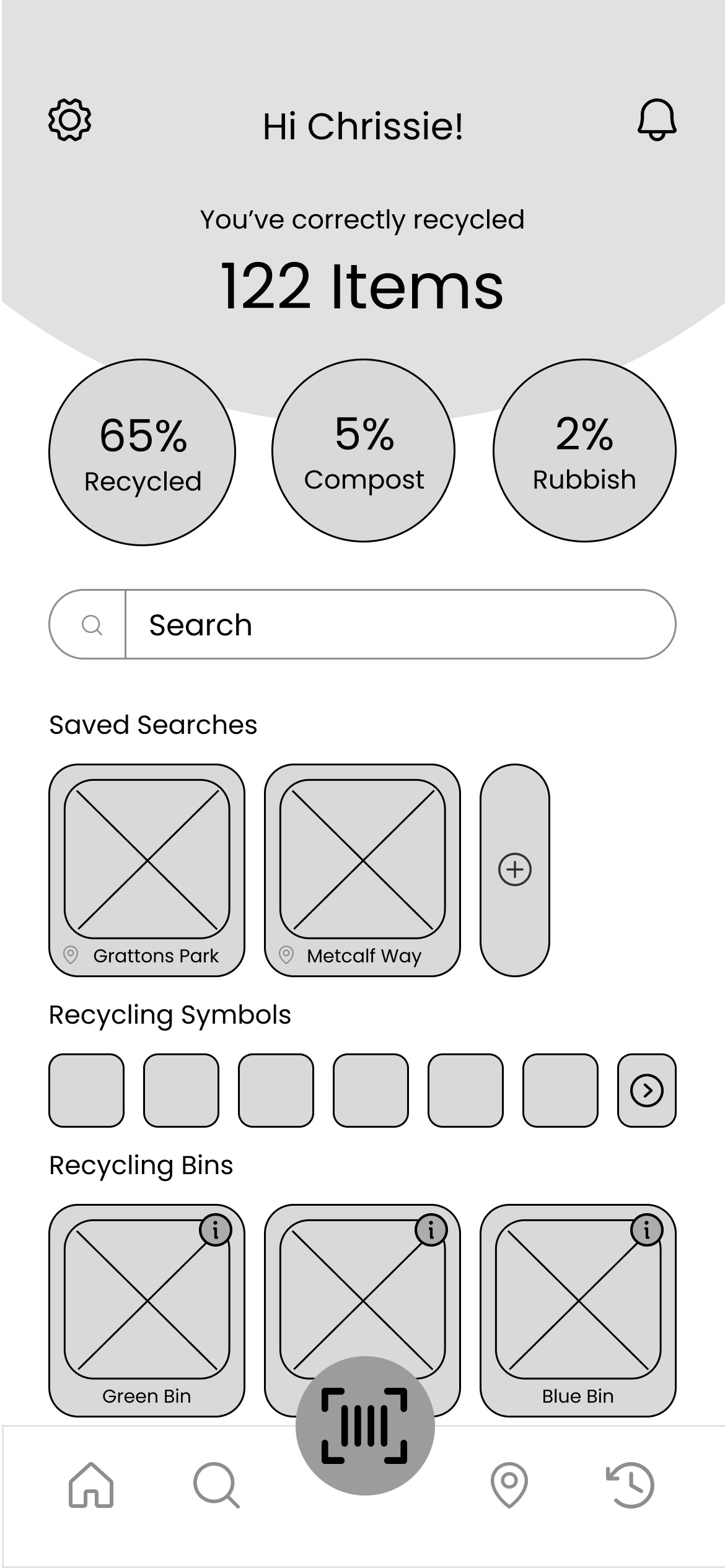
Users can see their progress of how many items they have recycled and categorised accordingly.
To educate users of items they may have at home, recycling symbols are shown where users can find information on what they mean.
Quick access to scanning barcode of an item user wants to recycle.
Users can save items that they may recycled frequently for quick access.
If users can not find their item they can have a look at the different recycling bins and understand what is the recycling criteria for each bin
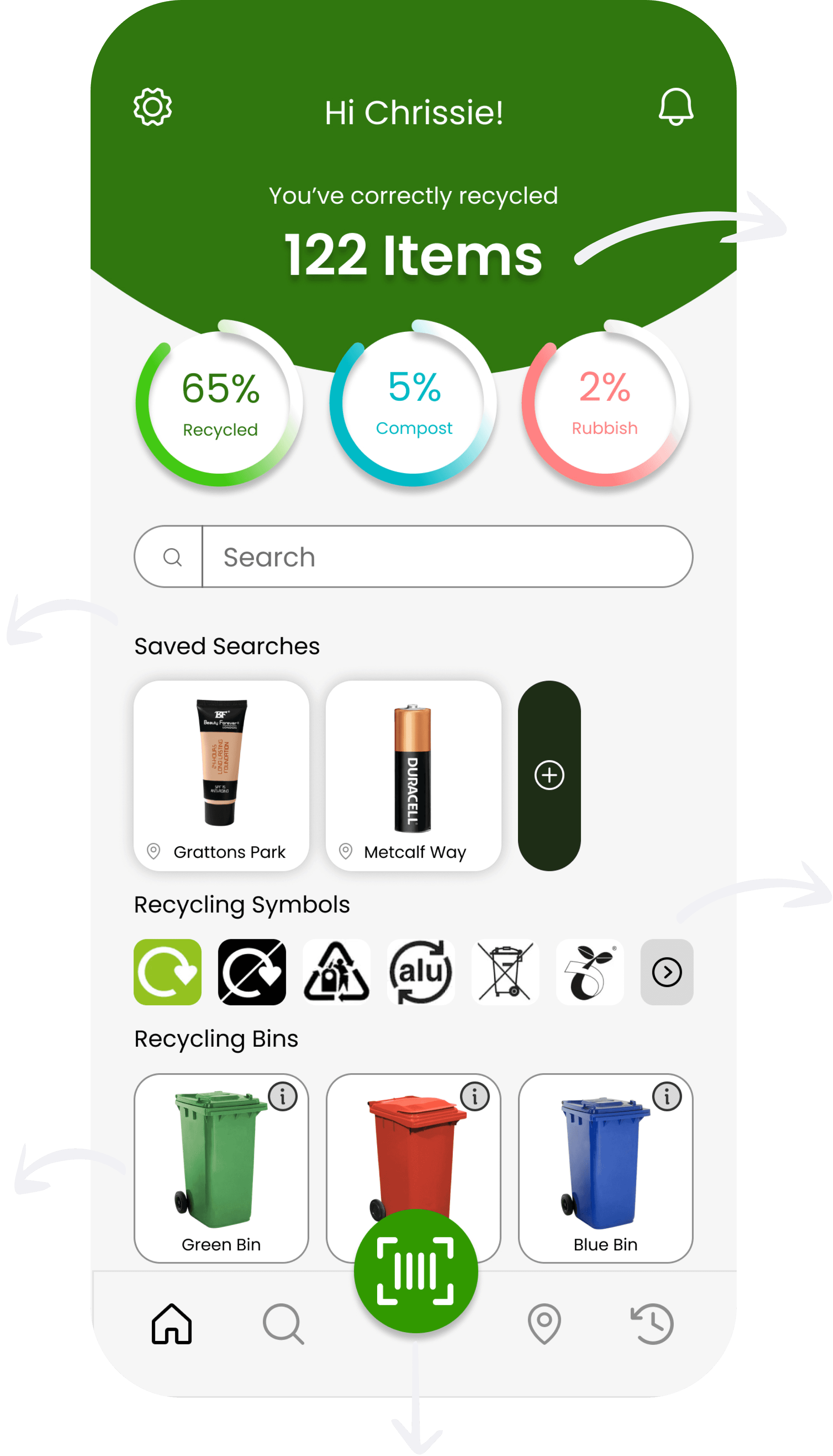
Home Screen
Search Screen
Users have quick access to their recycle history
Search feature for users to search item and add current location for nearby facilities.
Add items and create folders for frequently recycled items
Categories for users to browse through to find items
Objectives
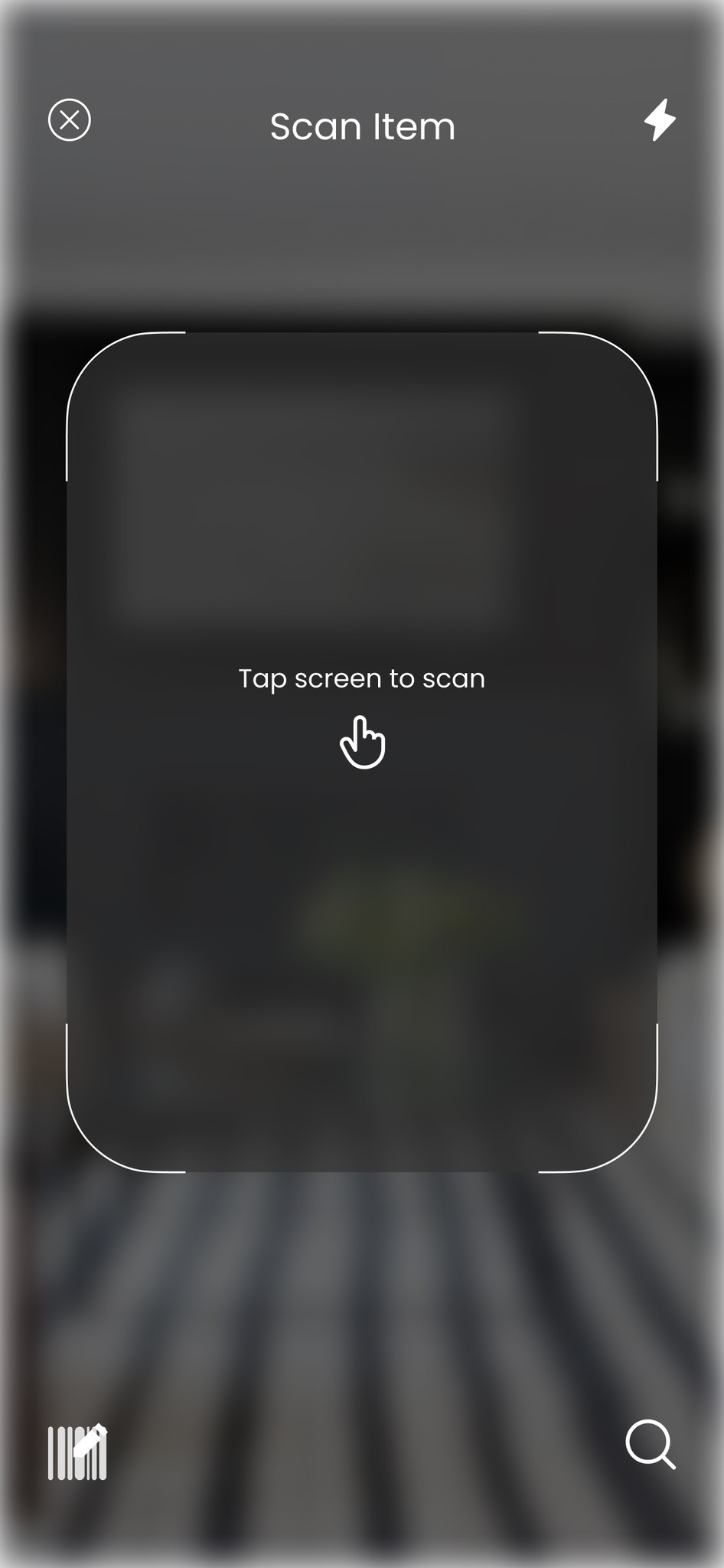
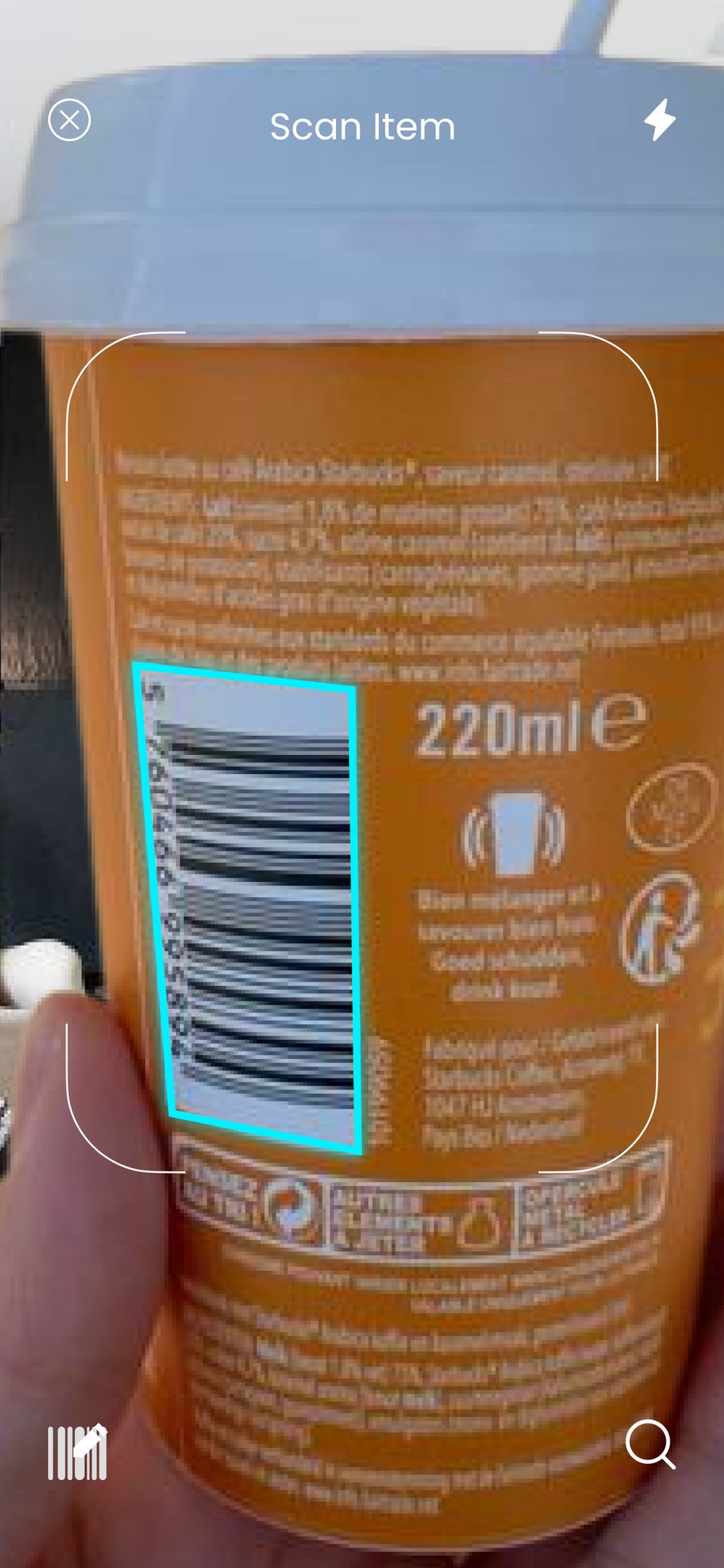
Barcode Scan Screen
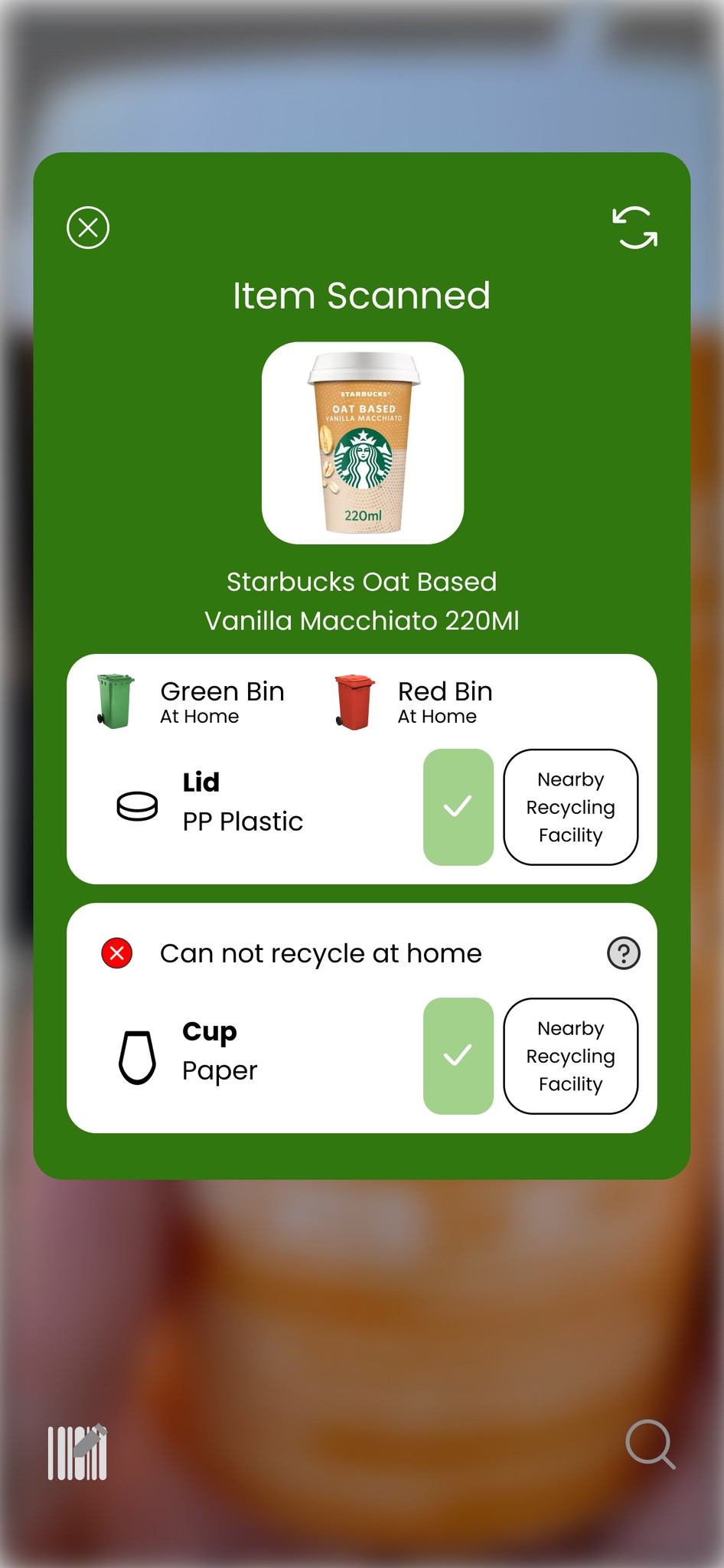
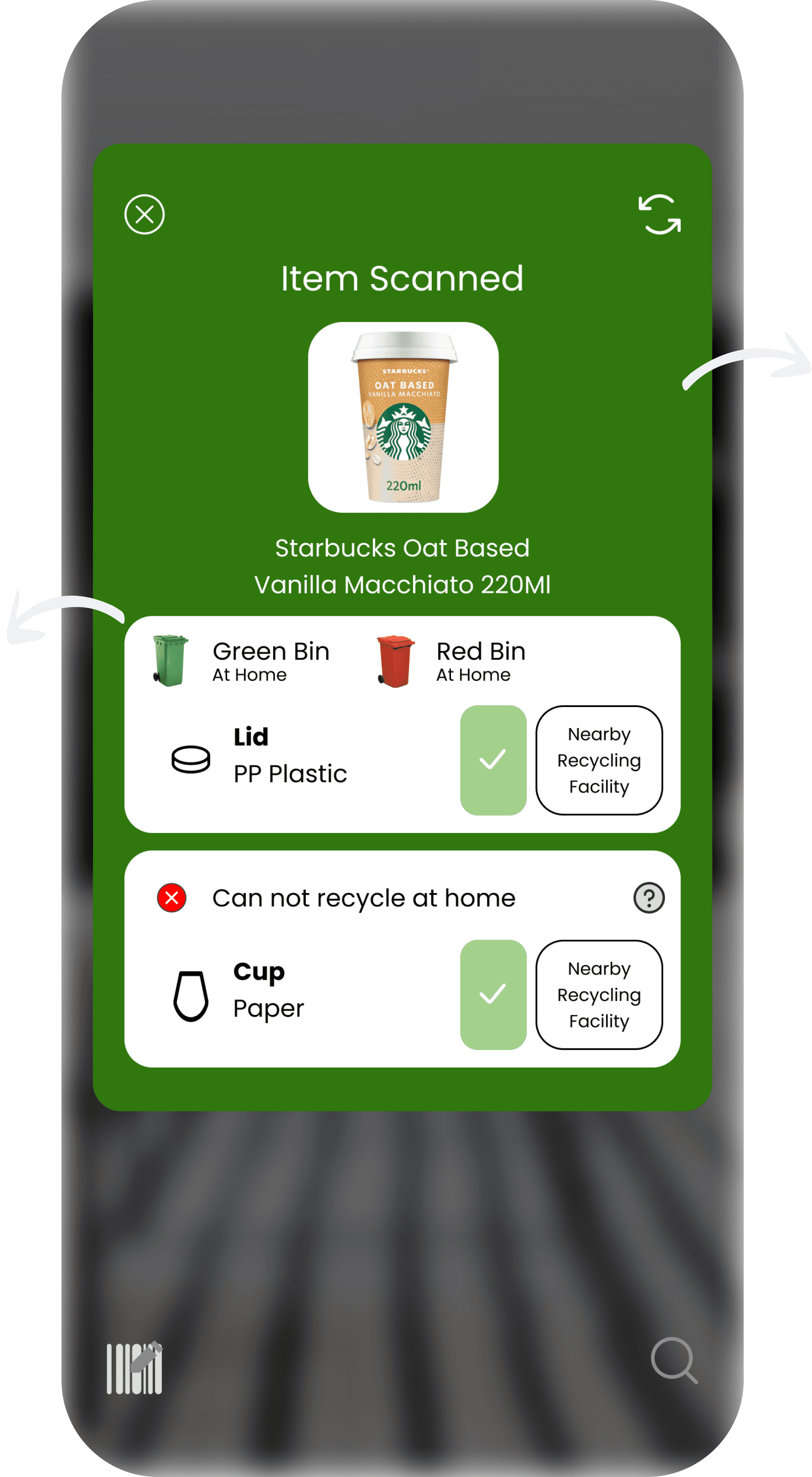
Item Scanned Screen
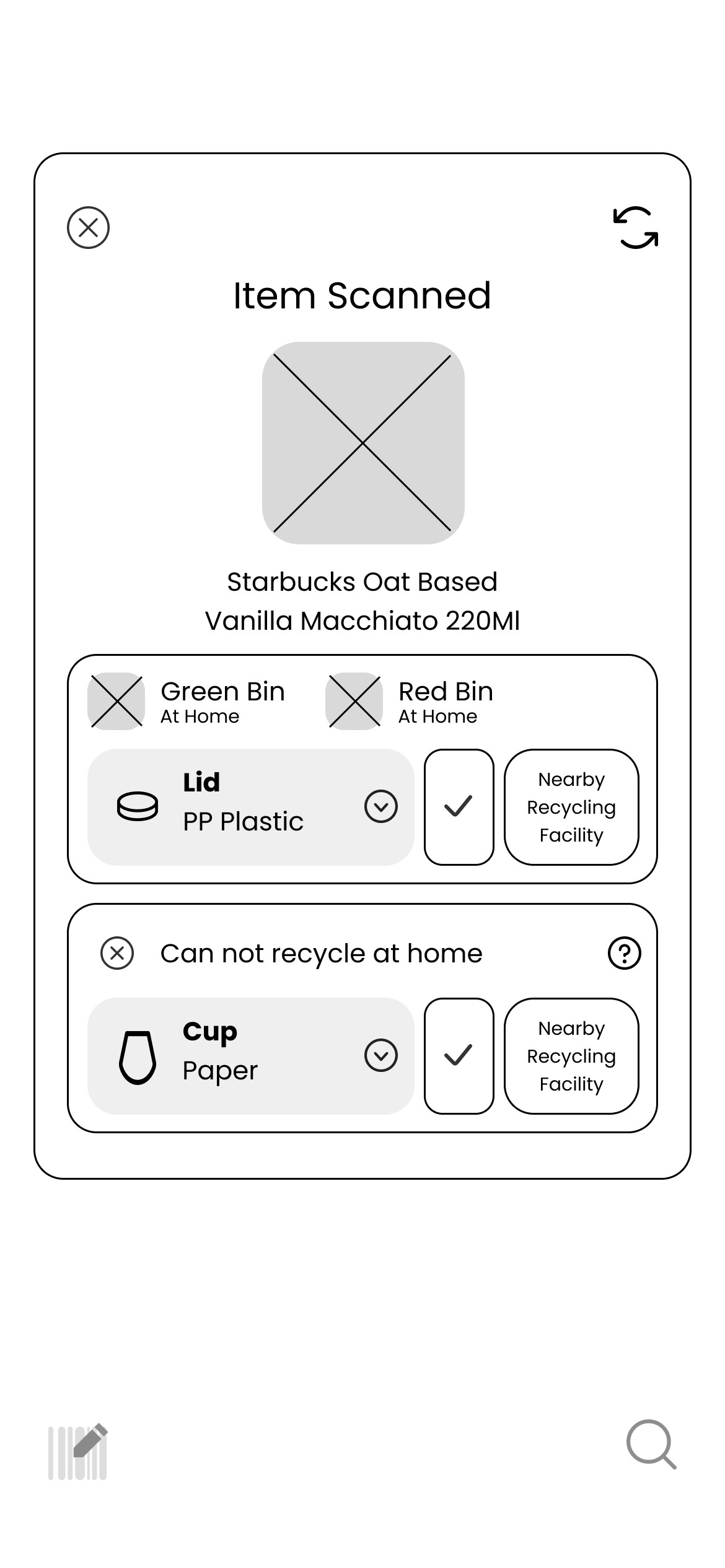
An option to type the barcode number if the scanner does not pick it up
If users are not able to scan hey can have quick access to searching the item
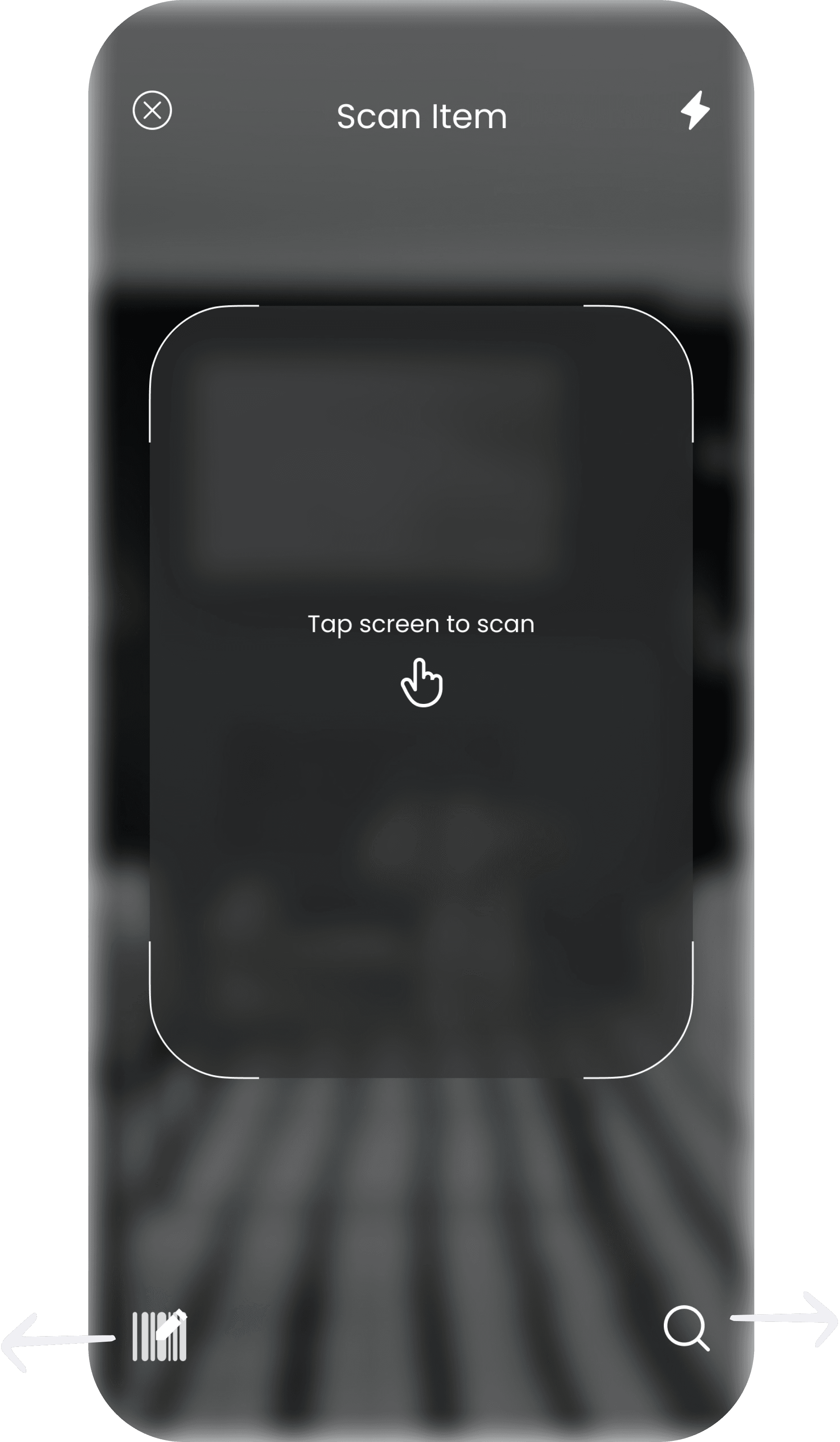
Image of item scanned for accurate info.
Packaging separated for proper recycling and suggestions of where it can be recycled
Objectives
Reflection
Create a Low-Fidelity Prototype
To conduct usability testing and gain insights
Iterate appropriately to address user pain points
Do Primary Research
Even though secondary research was conducted, primary research would have directly gathered feedback from users,more objective research findings
May result in solutions better suited to users who are experiencing issues

 Resume
(I am always down for a cup of coffee)
🫱🏼🫲🏽 Let’s be friends!